Publishing to your team
Documents start as drafts, visible only to authors. Click Publish in the editor header to make one visible to everyone in your company, in both the portal and the embedded workspace. Click Unpublish at any time to pull it back to draft.
Sharing a single document
From a document's read view, use the Share action to generate a public link for just that document — useful for sending one guide to a supplier or contractor. You can revoke the link at any time, which immediately disables it.
Your public docs site
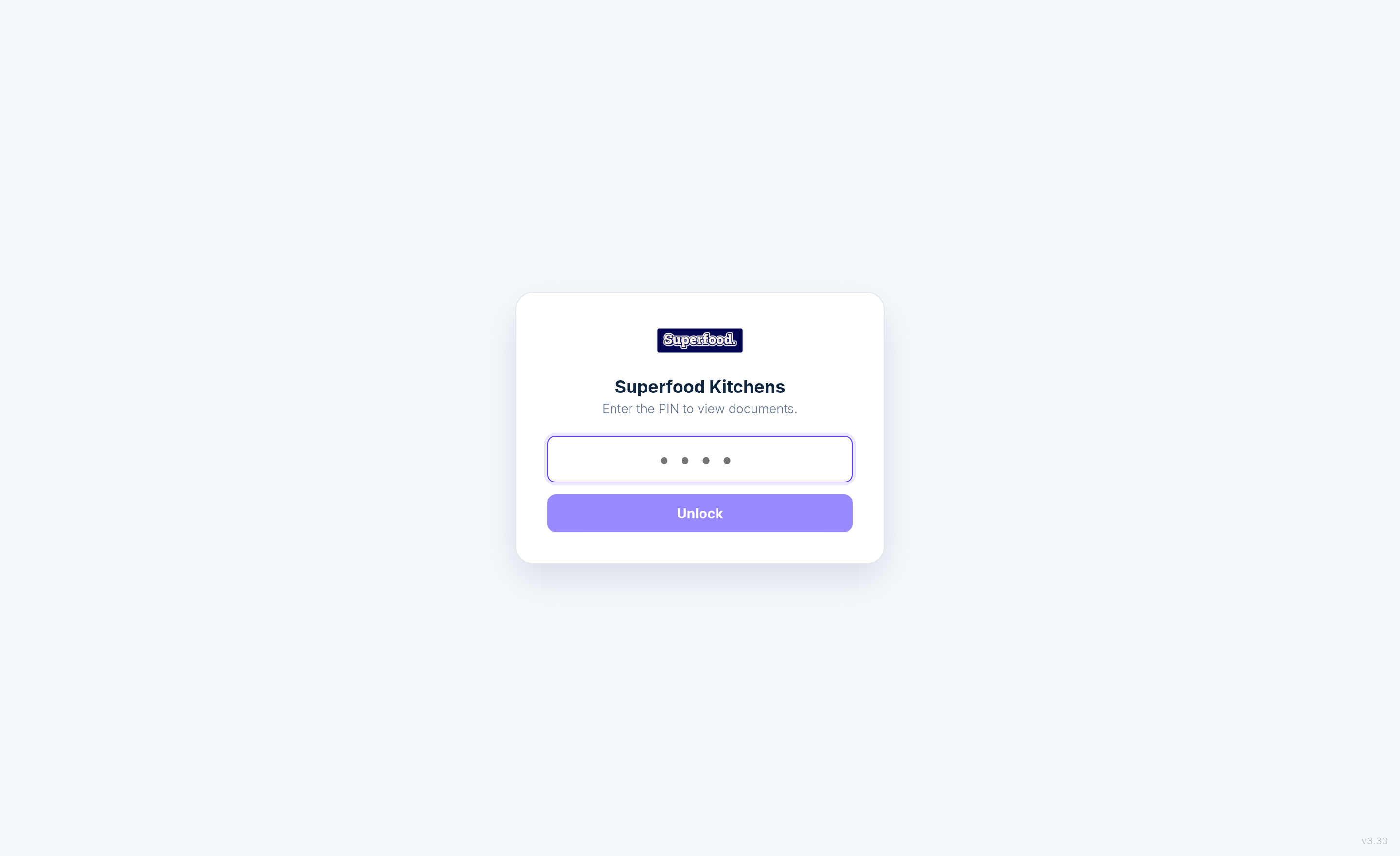
Every company can have its own public documentation portal at yourname.docs.superfoodapps.com — ideal for wall-mounted tablets, new starters without portal logins, and anyone who just needs to read the guides. Set it up from the Public site link at the bottom of the Docs sidebar: choose your subdomain name and how visitors prove they're allowed in.
Only published documents appear on the site (never drafts or templates), organised in the same folders as your library, with your company logo and name on the lock screen.
Access options
PIN code — visitors enter a shared PIN once per device. Simple and fast for kiosk-style tablets on the factory floor. Repeated wrong guesses are locked out automatically.
Email code — visitors enter their work email and receive a 4-digit code. Only email addresses that already exist as users in your system are accepted, so access stays limited to your people without sharing a PIN.
What readers see
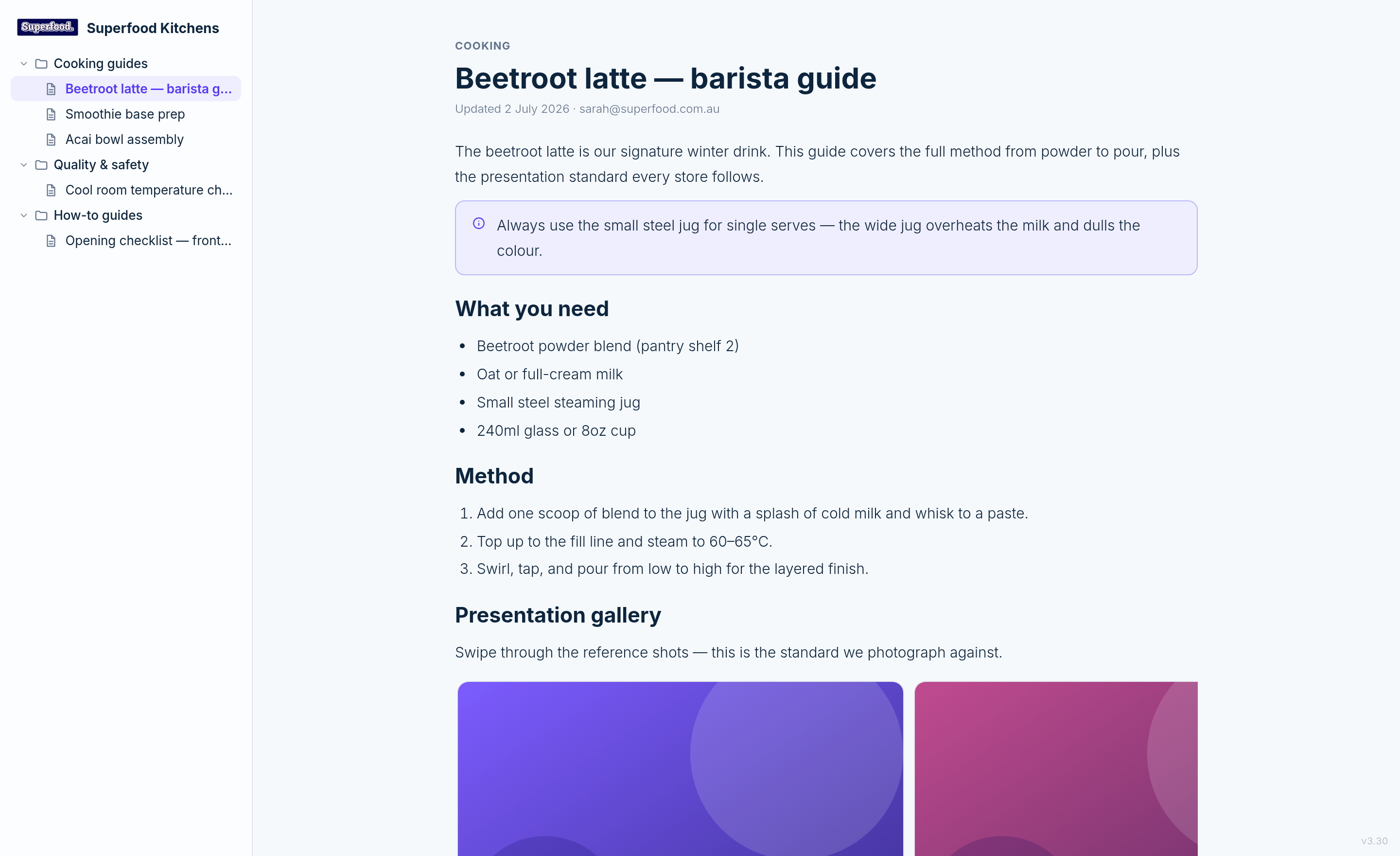
After unlocking, readers get a clean, read-only browser: the folder tree on the left, documents on the right — including photo galleries, videos and embeds, exactly as authored.