

All media lives in the Media group of the slash menu — type / and pick Image, Video upload, Photo gallery, YouTube or Embed.

Images
Choose Image and pick a photo from your device. JPG, PNG, GIF, WEBP and iPhone HEIC photos are supported, up to 10 MB each. The image uploads and drops into the document at full column width.
Video uploads
Choose Video upload to add an actual video file from your device — no YouTube link needed. MP4, WEBM and iPhone/QuickTime MOV files are supported, up to 200 MB. A progress note shows while it uploads, then the video appears with normal playback controls for every reader.
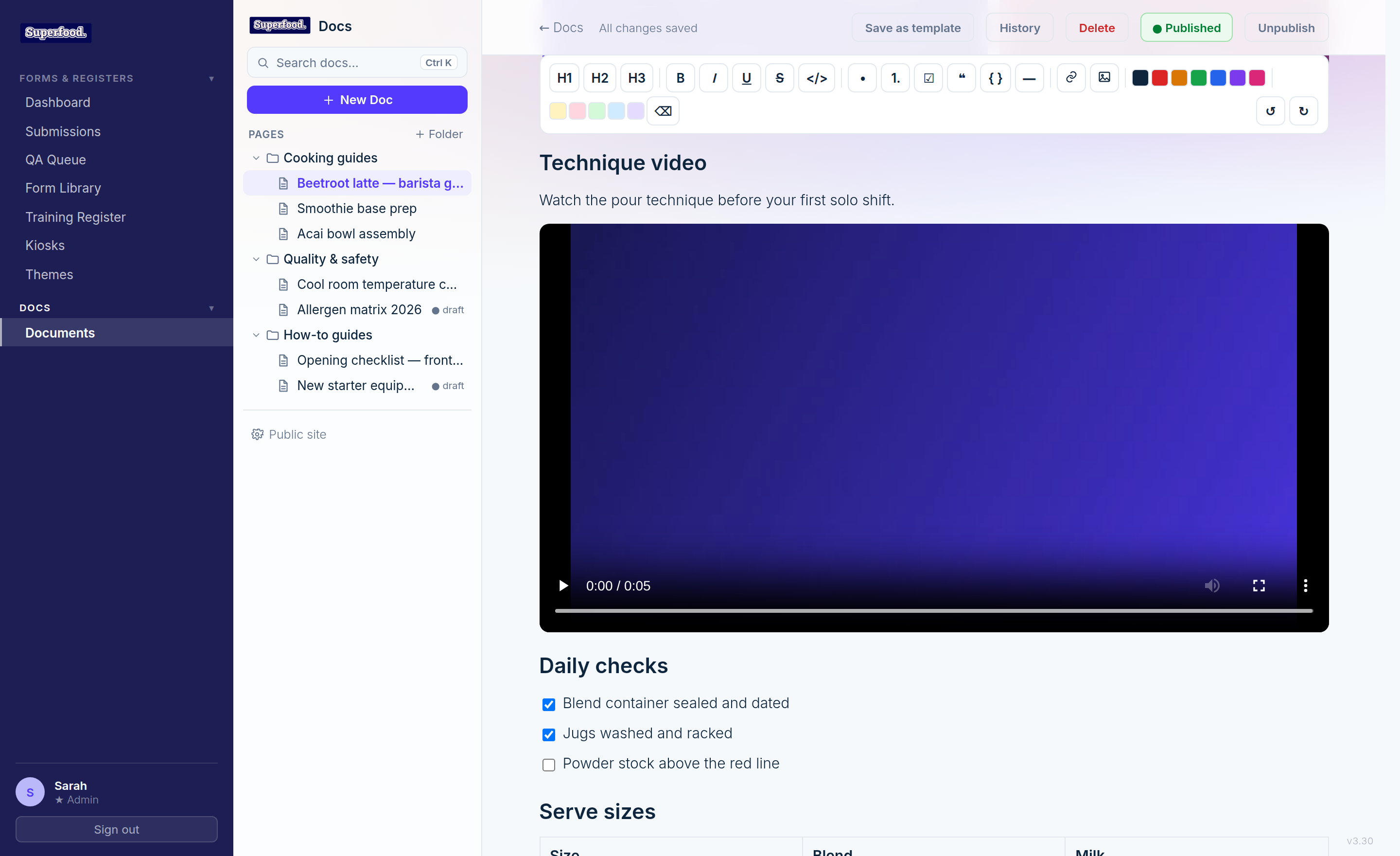
Photo galleries
Choose Photo gallery and select several photos at once. They upload one by one and become a single gallery strip that readers flick through — swipe on a phone or tablet, scroll sideways on a computer. Perfect for presentation standards, plating references and step-by-step visuals.
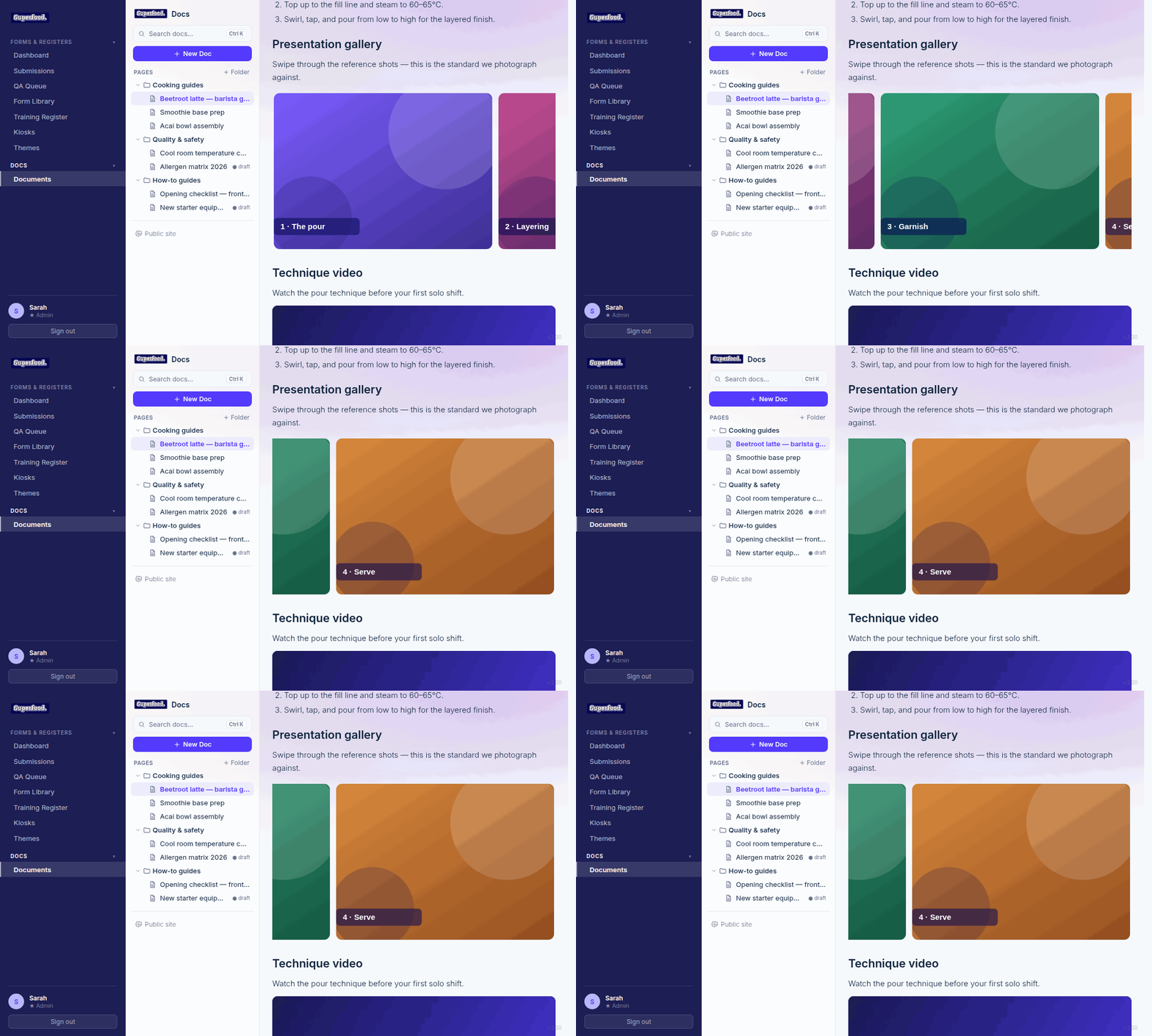
The gallery works everywhere the document appears — the portal, the embed, and your public docs site.
YouTube and embeds
Choose YouTube and paste a video link to embed the player. Choose Embed for anything else that supports embedding — Google Drive files, Slides, Docs and similar links display inside the page.